Shopify app
Image galleries that live inside your store.
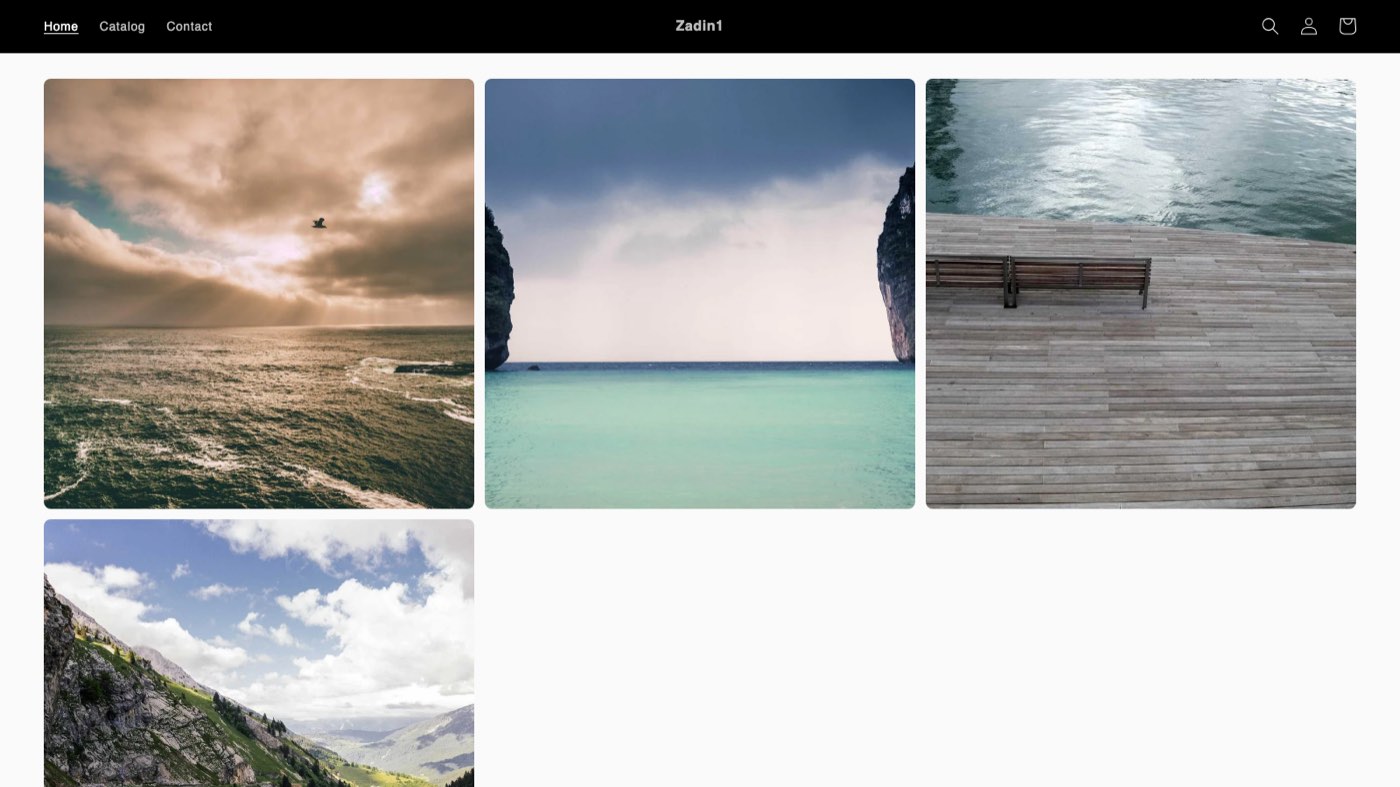
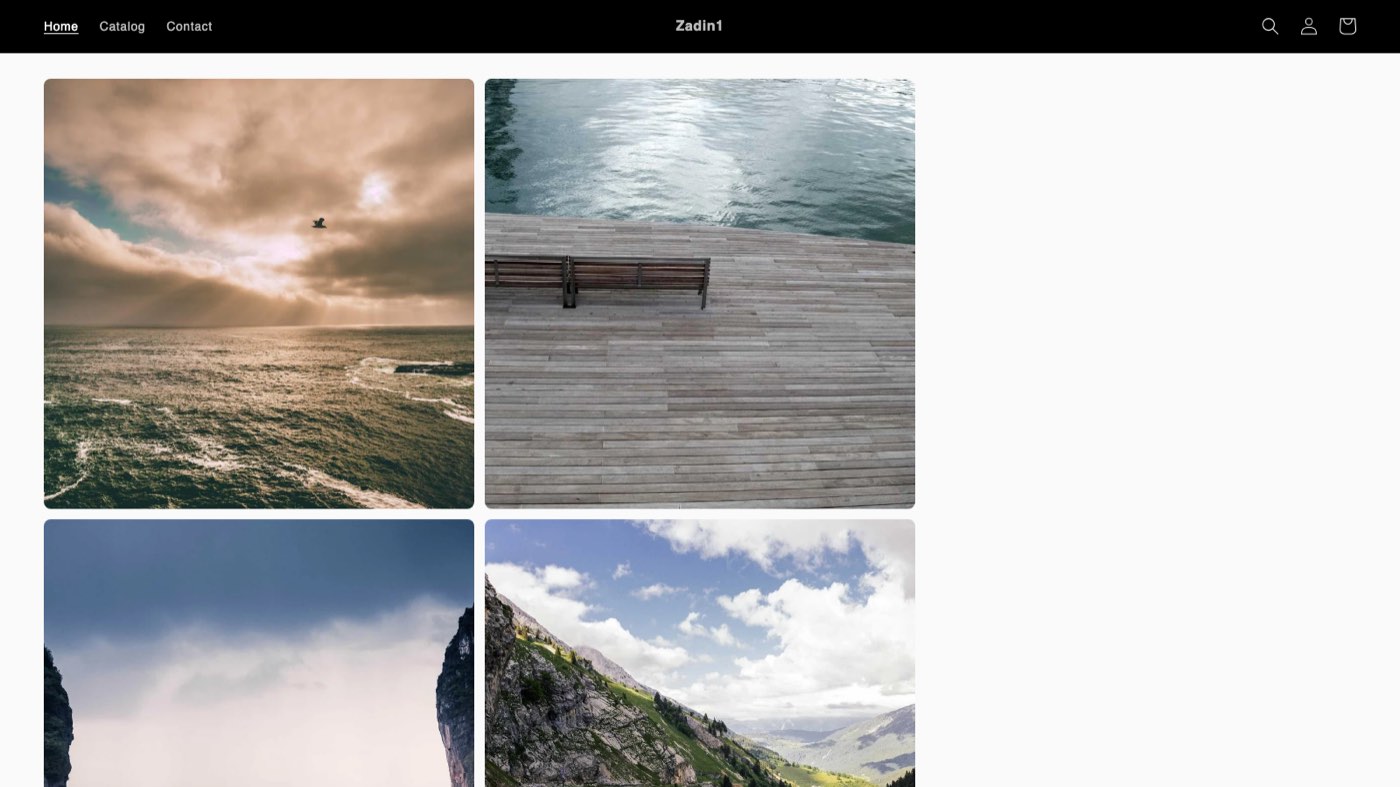
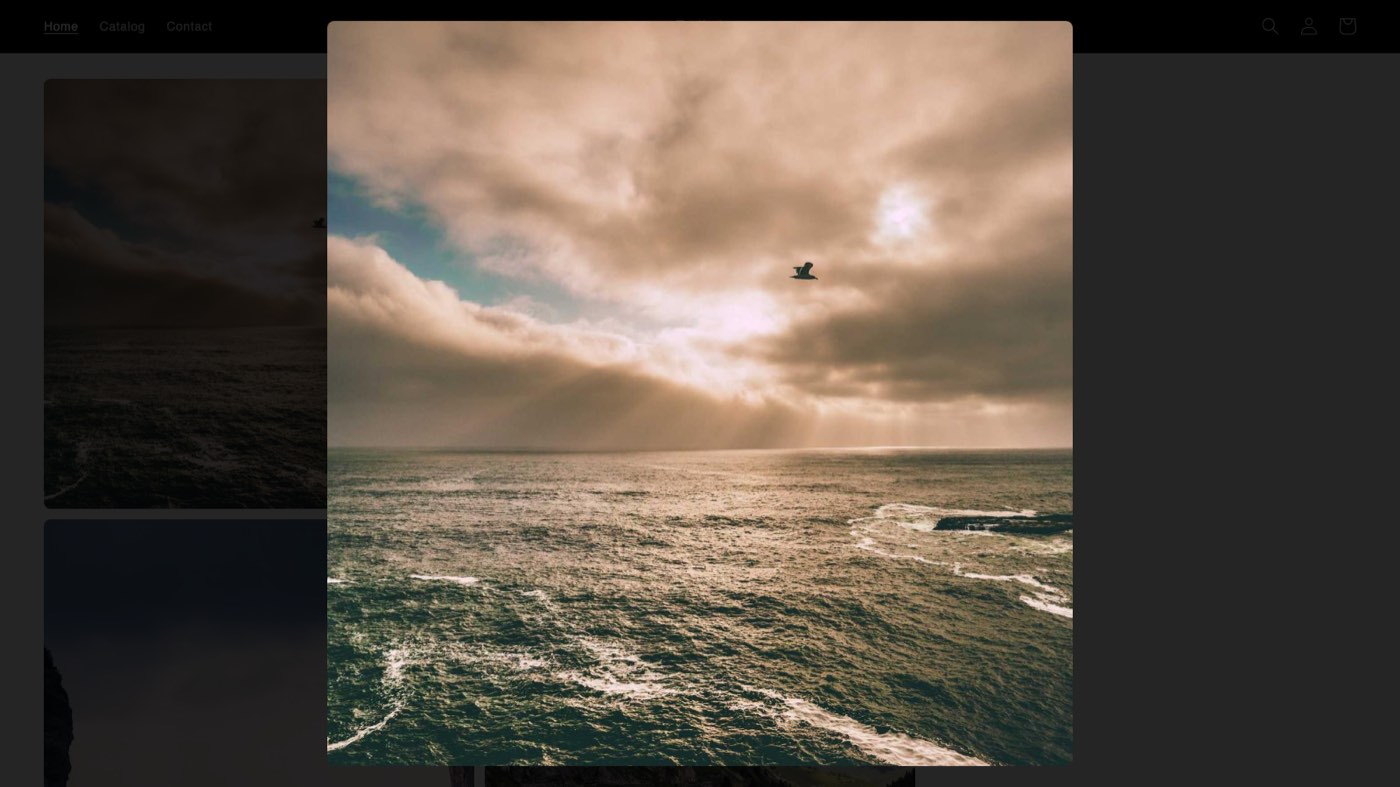
Build a gallery in the Shopify admin, then drop it onto any theme page as a block. Grid or masonry, a full-screen lightbox included, and nothing to configure outside Shopify.
Wallery on a storefront
Built to stay out of your way
Your images stay yours
Galleries are stored as native Shopify metaobjects and files in your own store — not in a database Wallery controls. Uninstall the app and your content is still right where it was.
A real theme-editor picker
Choose a gallery from a proper picker in the block settings. No copying handles, no pasting IDs, no shortcode syntax to remember.
Accessible by default
Edit alt text per image from the gallery manager. The lightbox is keyboard operable end to end — arrow keys to move, Escape to close, focus returned where you left it.
Matches your theme
Set columns, image spacing, corner rounding, and hover behaviour per block, so the gallery fits the page instead of fighting it.
Fast on the storefront
Responsive
srcsetimages off Shopify’s own CDN, lazy loading below the fold, and no third-party scripts or trackers.One job, done well
Wallery reads and writes galleries. It asks for no customer data, no order data, and no permissions beyond the two it actually needs.
Three steps to a live gallery
- 1
Create a gallery
Open Wallery from your store’s Apps menu, name a gallery, and upload your images. Set the layout and column count while you’re there.
- 2
Add the block to your theme
Wallery links you straight into the theme editor. Add the Wallery block to whichever page should show the gallery.
- 3
Pick the gallery and save
With the block selected, choose your gallery from the Gallery setting and save the theme. That’s it — it’s live.